
Quick answer
If your Apple Gift Card shows a balance, your code is valid. When redeem keeps loading, the problem is usually a VPN, your network, your phone's App Store login session, or an Apple Account setting. Turn off VPN, switch networks, then go to Settings → Media & Purchases, sign out, sign back in and redeem again.
Why does Apple Gift Card redeem get stuck on loading?
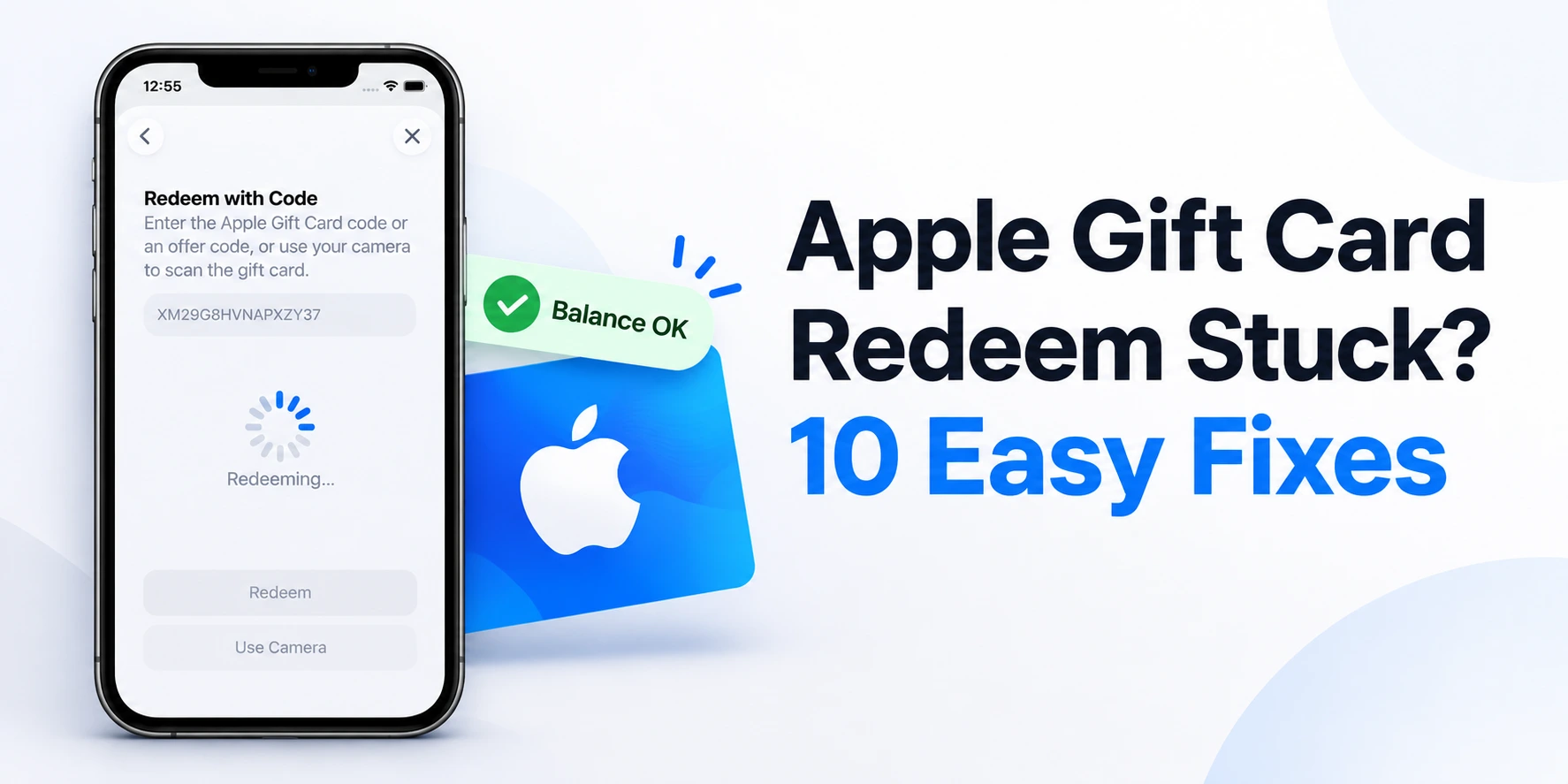
You enter the code, tap Redeem, and the screen just keeps spinning. No error, no balance added. Yet when you check the balance on Apple's website, the card looks fine.
This happens because balance checking runs on Apple's website, while redeeming runs on the App Store's purchase server. They are two different systems. A setting on your phone can allow the website to load but still block the App Store's purchase request. That is why the balance looks fine but redeem gets stuck.
If the balance shows, is the code valid?
Yes. If Apple's official Gift Card Balance Check page shows a balance, the card is active, has not been redeemed, and the code is correct. The problem is not the card.
Causes and fixes at a glance
| Possible cause | Sign | Fix |
|---|---|---|
| VPN / DNS app on | Website opens, redeem hangs | Turn off VPN, DNS apps and Private Relay |
| Network issue | Hangs on a specific Wi-Fi | Use mobile data or another Wi-Fi |
| Wrong Date & Time | Other App Store issues too | Turn on "Set Automatically" |
| Broken login session | Works on another device | Sign out and back in to Media & Purchases |
| Terms not accepted | New or long-unused account | Download a free app and accept Terms |
| Incomplete billing info | New Apple ID | Fill in address and payment method |
| Region mismatch | Card and Apple ID from different countries | Use an Apple ID from the card's region |
| Account restriction | Hangs on every device with the same ID | Contact Apple Support |
Step-by-step fixes
Try these in order. After each step, try redeeming once.
1Turn off VPN and DNS apps
This is the most common cause. VPNs, ad-blockers and DNS changer apps can block the App Store's purchase request without showing any error.
- Settings → VPN turn it off
- Settings → General → VPN & Device Management check for installed profiles
- If you have iCloud+, temporarily turn off Settings → your name → iCloud → Private Relay
2Switch networks
On Wi-Fi, try mobile data. On mobile data, try a different Wi-Fi.
3Fix Date & Time
Go to Settings → General → Date & Time and turn on Set Automatically. A wrong time prevents a secure connection with Apple's servers.
4Sign out of Media & Purchases and sign back in
Go to Settings → your name → Media & Purchases → Sign Out. Then sign back in and redeem. This does not delete your iCloud, photos or any other data.
If redeem works on another device but not on your phone, a broken session like this is usually the reason.
5Type the code manually
Instead of scanning with the camera, type the code. Apple Gift Card codes always start with X and are 16 characters long.
6Accept the App Store Terms & Conditions
Try downloading any free app from the App Store. If Terms & Conditions appear, accept them, then redeem again.
7Complete your billing information
Go to Settings → your name → Media & Purchases → View Account. Check that your payment method and billing address are filled in. If you have no card, you can select None as the payment method.
8Update iOS
Go to Settings → General → Software Update and install the latest version.
9Reset Network Settings
Go to Settings → General → Transfer or Reset iPhone → Reset → Reset Network Settings.
⚠️ This deletes all saved Wi-Fi passwords. Only do this if the earlier steps did not work.
10Try another Apple device
Redeem from another iPhone, iPad or Mac using the same Apple ID.
- Mac: open the App Store, click your name at the bottom left, then Redeem Gift Card
- Windows PC: open the Apple Music or iTunes app, then Account → Redeem
How to tell where the problem is
Works on another device with the same Apple ID
The problem was your phone's settings or login session.
Stuck on every device with the same Apple ID
The problem is your Apple Account. It could be a region mismatch or a restriction Apple has placed on the account. In that case, contact Apple Support.
From our experience
Working with Apple Gift Cards since 2019, we have seen that most stuck-redeem cases are solved by switching networks or trying the same Apple ID on another device. When it stays stuck on every device, it is almost always an Apple Account issue, not a problem with the card.