
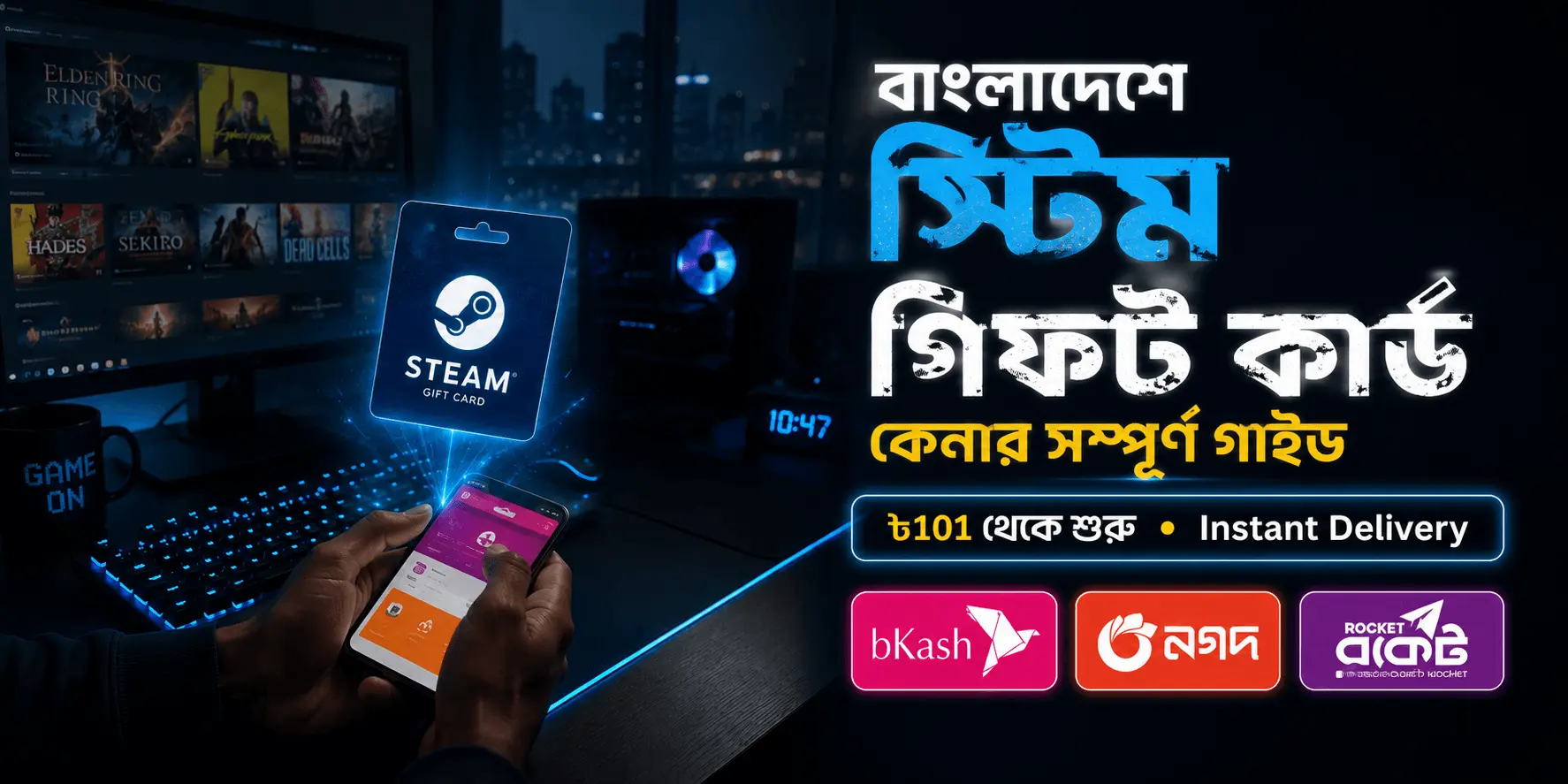
Quick answer: To buy a Steam Gift Card in Bangladesh, open the Steam Gift Card USA page on Gift Cards Zone BD, pick a denomination (from ৳101), pay with bKash, Nagad, Rocket, or Upay, and the code arrives in your email within seconds. Redeem it on your Steam account and the balance is ready to spend. The whole process takes under five minutes — no credit card, no bank account, no waiting.
This guide covers every step with a video, shows you exactly how to check the one setting that trips up most first-time buyers, explains what to do when a code fails, and lists the mistakes to avoid so your first purchase works on the first try.
Why You Can't Just Pay Steam Directly from Bangladesh
Steam has no bKash, Nagad, or Rocket option at checkout, and most Bangladeshi debit and credit cards are blocked for international payments. Dual-currency cards exist, but activation takes time and many banks still decline Steam transactions outright.
That leaves one practical route used by almost every gamer in the country: a Steam Gift Card, also called a Steam Wallet Code — a prepaid digital code you buy locally in Taka and redeem on Steam for wallet balance.
Once redeemed, that balance works on everything in the Steam store: full games, DLC, in-game items for Dota 2 and CS2, software, and seasonal sale purchases. The balance never expires.
Step 0: Check Your Steam Account Currency First
This is the single most common reason a code fails, and it takes ten seconds to rule out. Do this before you pay, not after.
- Open the Steam desktop client, or go to store.steampowered.com and log in
- Click your username in the top-right corner
- Select Account Details
- Look at Store Credit / Wallet Balance near the top of the page
The currency shown next to your balance is your account currency.
- Shows $0.00 USD — you need the USA code. Most Bangladeshi accounts default to USD, so this is the usual result.
- Shows a balance in another currency — see the next section.
- No wallet balance shown at all — your wallet hasn't been activated yet. That's normal for a new account, and redeeming your first code activates it automatically. If your account was created in Bangladesh, it will be USD.
Do not use a VPN to change your account region. It can lock your account for a security review and delay everything. If your currency doesn't match, buy the matching code instead.
If Your Account Isn't Set to USD
You don't need to change anything on Steam. Buy the code that matches your account currency instead:
| Your account currency | Buy this |
| USD | Steam Wallet Code USA |
| INR | Steam Wallet Code India |
| MYR | Steam Wallet Code Malaysia |
Not sure which one you need? Message our support team on WhatsApp before ordering — we'll confirm it in a minute and save you a failed redemption.
Video: The Full Process in Under 3 Minutes
Prefer watching first? This tutorial shows the complete flow — choosing a card, paying with bKash, and redeeming on Steam:
How to Buy a Steam Gift Card in Bangladesh — 5 Steps
- Open the product page. Go to giftcardszonebd.com and open the Steam Gift Card USA (Steam Wallet Code) page.
- Pick your denomination. Options run from 0.6 USD (৳101) up to 50 USD (৳7,500). Buying your first code? Start small — the ৳101 card is a zero-risk way to test the full process before a bigger top up.
- Enter your email address. Double-check the spelling — this is where your code goes. No Steam password or login is required to order.
- Pay with bKash, Nagad, Rocket, or Upay. Choose your method at checkout and complete the payment in the app as usual. The EPS gateway is also available for card-based payment.
- Check your email — the code is already there. Delivery is instant and automatic, 24/7, including weekends and public holidays. The code also appears in your Gift Cards Zone BD dashboard if you ordered while logged in.
Payment Methods Compared
| Method | Speed | Extra fee | Best for |
| bKash | Instant | None | Most users — everyone has it |
| Nagad | Instant | None | Lower cash-out costs overall |
| Rocket | Instant | None | DBBL users |
| Upay | Instant | None | Upay wallet holders |
| EPS gateway | Instant | None | Dual-currency Visa / Mastercard |
The EPS route is worth knowing about: it processes your card payment locally in Taka, so your bank never has to approve an international transaction. That's why cards which get declined on Steam directly still work here.
How to Redeem Your Code on Steam
- Open Steam, or go to store.steampowered.com and log in
- Click your username, then Account Details
- Click "Redeem a Steam Gift Card or Wallet Code"
- Copy-paste the code from your email — don't retype it
- Click Continue
The balance appears in your Steam Wallet immediately and is ready to spend.
If Your Code Doesn't Work
Most failures come down to three things, and all three are fixable in under a minute:
- "Invalid code" — almost always a typing error. Copy-paste directly from the email instead. Codes are case-sensitive and the characters 0/O and 1/I are easy to confuse.
- "This code is not valid in your region" — your account currency doesn't match the code. Check Account Details using Step 0 above, then contact us.
- Nothing happens or the page errors out — Steam's servers occasionally time out during sale periods. Wait ten minutes and try again; the code is not consumed by a failed attempt.
Still stuck? Message us on WhatsApp with your order ID. Support runs 24/7 and unused codes are always sorted out.
5 Mistakes First-Time Buyers Make
- Buying before checking account currency. The most common and most avoidable failure. Ten seconds of checking saves a support ticket.
- Typing the code manually. Copy-paste from your email instead.
- Sharing the code with anyone. Once redeemed, a code cannot be transferred or refunded. If anyone on Discord asks for your code — including someone claiming to be "Valve admin" — it is a scam. Codes are only ever entered on Steam itself.
- Buying from unverified Facebook sellers. Grey-market and reused codes are common there. Buy from a trade-licensed platform with verifiable reviews and instant automated delivery.
- Waiting for a "better rate" during Steam sales. Code prices in BDT track the dollar rate, not Steam sales. During the Summer or Winter Sale, buy as soon as you need it — the discount is on the games, not the card.
Ready to Buy?
Everything above takes less time to do than it took to read. Buy a Steam gift card in Bangladesh now — codes from ৳101, instant email delivery, bKash/Nagad/Rocket accepted, trusted by Bangladeshi gamers since 2019.