
Placing an order on GiftCardsZoneBD takes just a few clicks, and gift card orders are delivered instantly to your account, while gaming top-ups may take a short time to process. This guide walks you through the entire ordering process from selecting a product to receiving your delivery confirmation.
Step 1: Select Your Product
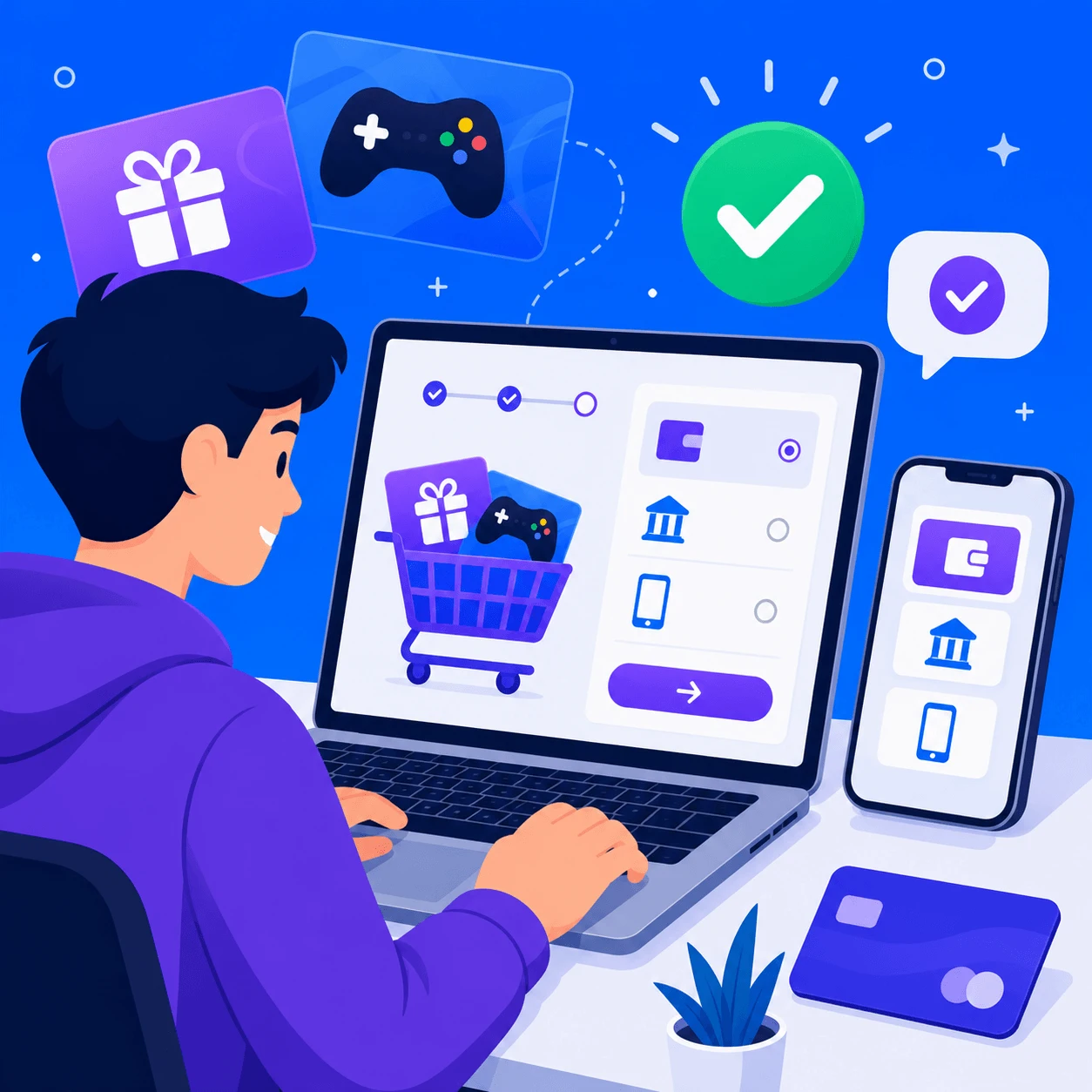
Browse the website and choose the gift card, game top-up, subscription, or game key you want to purchase. Select the correct denomination or amount for your needs.
Step 2: Add to Cart
Click "Add to Cart" on the product page. You can add multiple items if you want to purchase more than one product at a time.
Step 3: Review Your Cart
Click the cart icon to view all items you've added. Double-check the quantities, prices, and product details before proceeding.
Step 4: Proceed to Checkout
After reviewing your cart, click "Checkout" to move forward with your order.
Step 5: Choose Payment Method
At checkout, select your preferred payment method — bKash, Nagad, Rocket, bank transfer, or GCZBD reward points (if available in your account).
Step 6: Complete Payment
Click "Pay Now" to get redirected to the payment gateway. Complete the payment process securely through your chosen method.
Step 7: Order Confirmation
Once payment is successful, your order is placed. Gift card and digital codes are delivered instantly, while top-up orders may take a short time to process. You can check your order status — paid and delivered — from your account dashboard.
If you face any issue placing an order, contact GiftCardsZoneBD support via WhatsApp or live chat for quick assistance.