
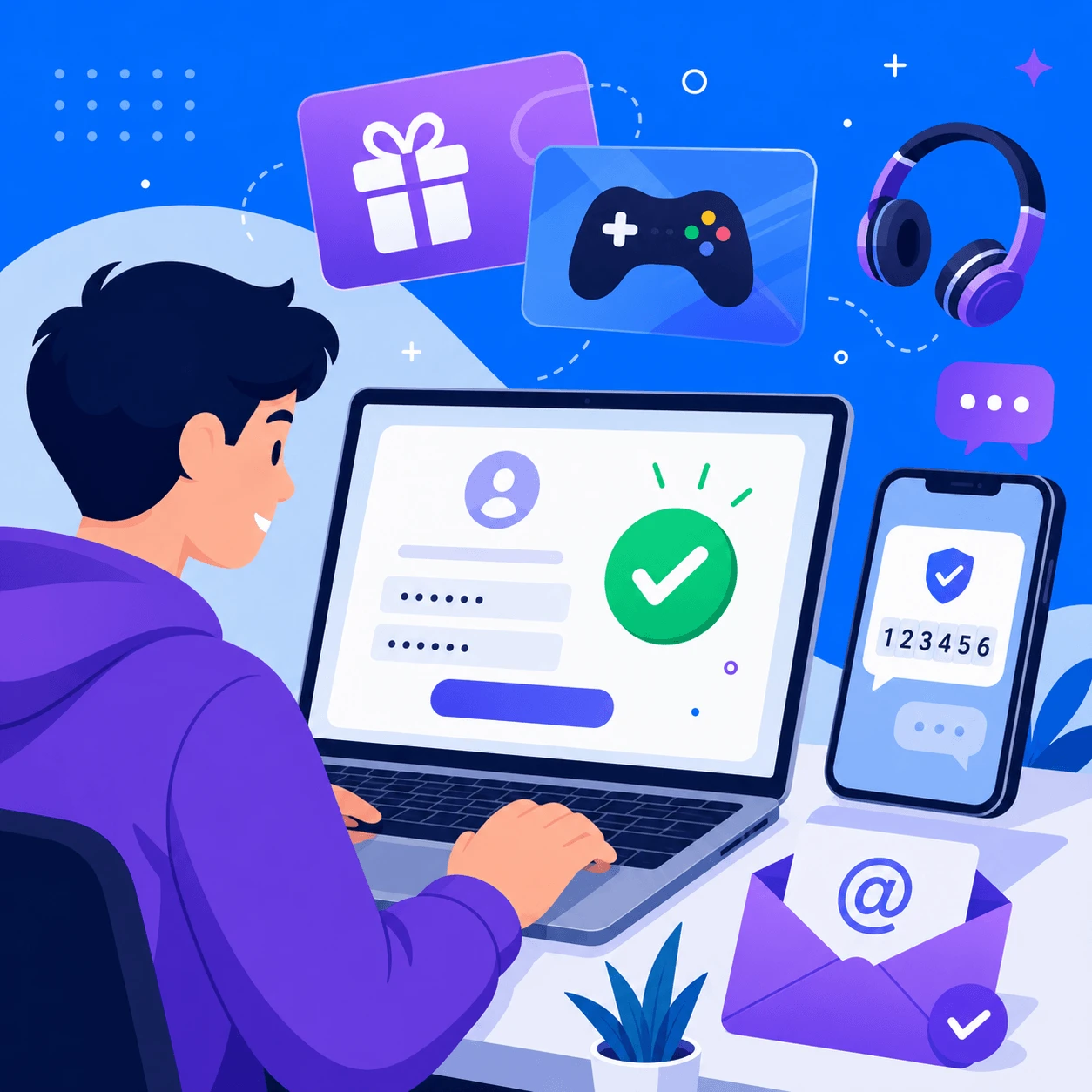
Creating a GiftCardsZoneBD account takes less than two minutes and unlocks instant delivery on all gift cards, game top-ups, subscriptions, and game keys. Whether you want to buy a PSN card, top up Roblox Robux, or grab a Netflix subscription with bKash, you'll need an account to track orders and receive your digital codes securely.
Step 1: Visit the Website
Go to giftcardszonebd.com and click the "Register" or "Sign Up" button, usually located at the top-right corner of the homepage.
Step 2: Fill in Your Details
Enter your full name, a valid email address, and your Bangladeshi phone number (e.g., 01XXXXXXXXX). Note that only Bangladesh-based phone numbers are currently supported for registration.
Step 3: Create a Strong Password
Choose a secure password that mixes letters, numbers, and symbols. Avoid using easily guessable information like your phone number or birthday.
Step 4: Verify Your Email and Phone Number
Check your inbox (and spam folder, just in case) for a verification email from GiftCardsZoneBD, and click the link to confirm your email. You'll also receive an OTP (One-Time Password) via SMS to verify your phone number. Enter the OTP to complete verification and activate your account.
Step 5: Log In and Start Shopping
Once verified, log in with your email and password. You can now browse gift cards, gaming top-ups, subscriptions, and game keys — and pay easily with bKash, Nagad, Rocket, or bank transfer.
Why Create an Account?
- Track all your orders in one place
- Faster checkout for future purchases
- Access order history for any support queries
- Get notified about exclusive deals and discounts
If you face any issue during registration, contact GiftCardsZoneBD support via WhatsApp or the live chat option on the website for instant assistance.